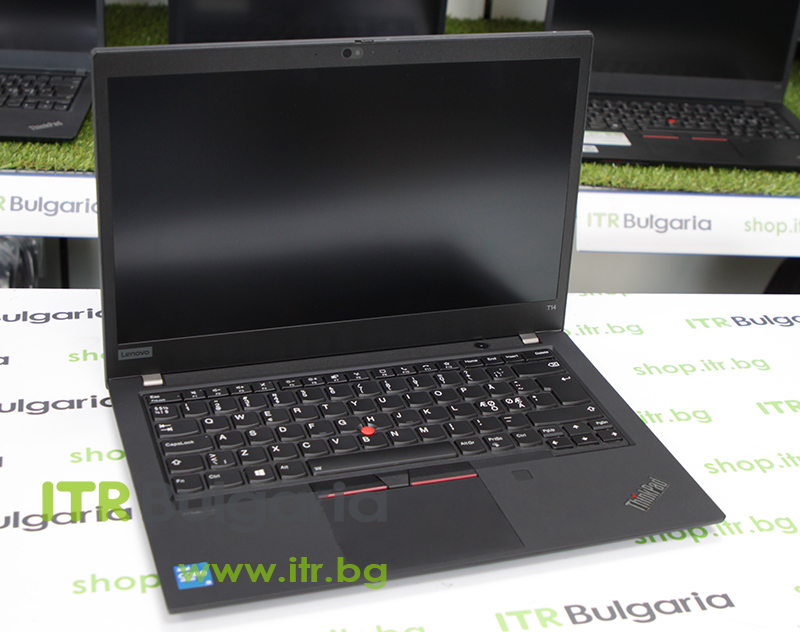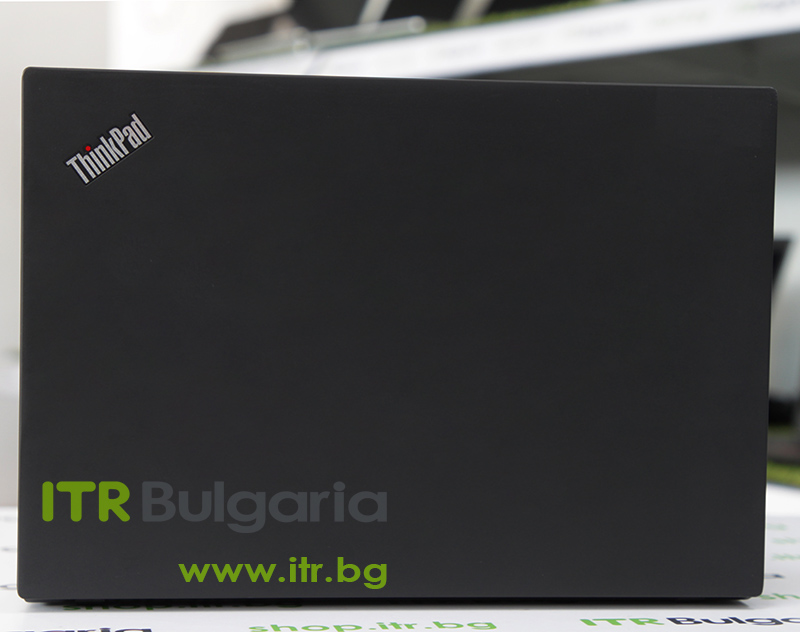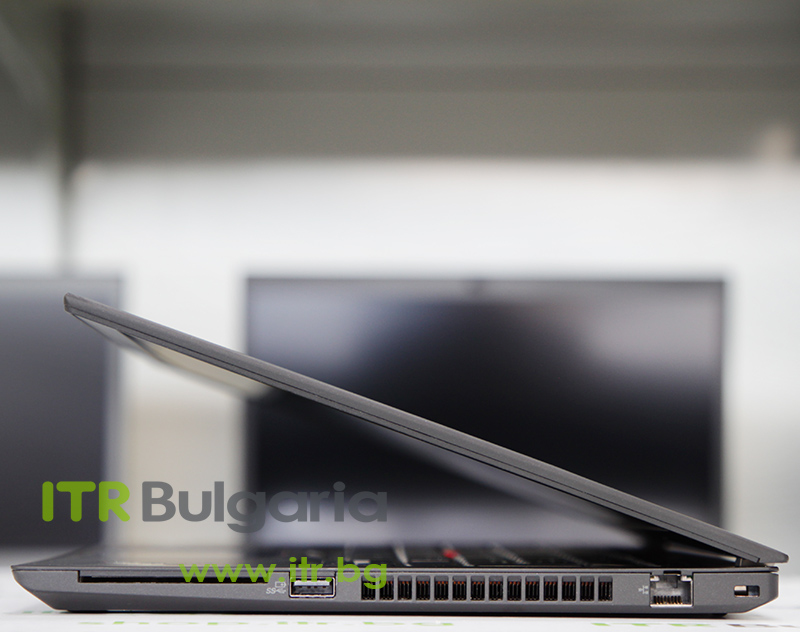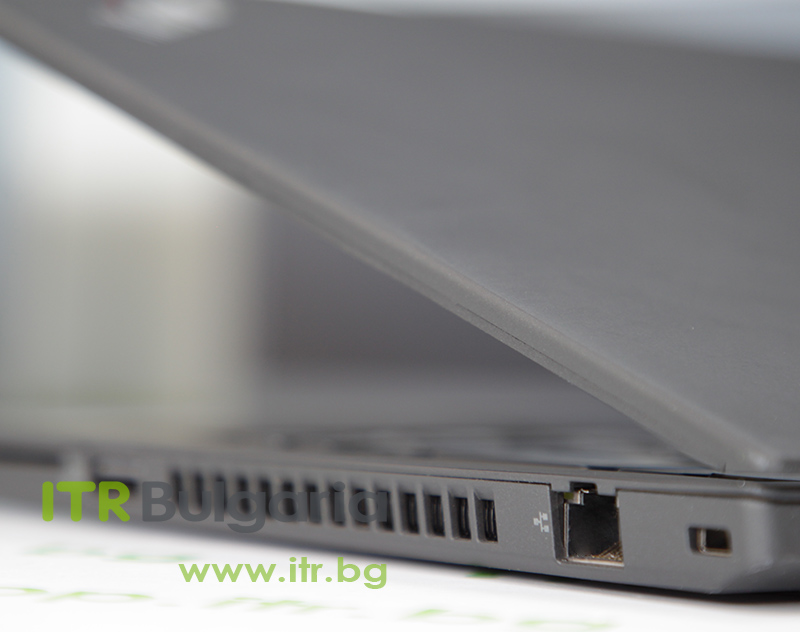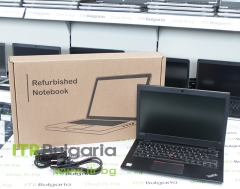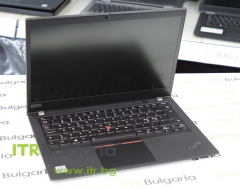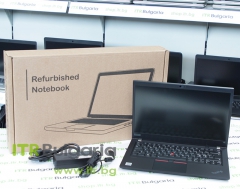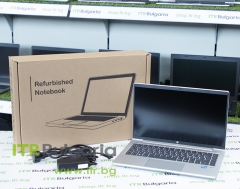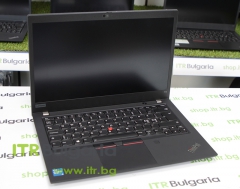

| Brand: | Lenovo |
| Model: | ThinkPad T14 Gen 2 (Intel) |
| CPU: | Intel Core i7 |
| CPU frequency: | 1165G7 up to 4.70GHz 12MB |
| Memory size: | 16GB |
| Memory type: | DDR4 Onboard |
| Storage capacity: | 256GB |
| Storage type: | M.2 NVMe SSD |
| Display size: | 14" |
| Resolution: | 1920x1080 Full HD 16:9 |
| Graphics card: | Intel Iris Xe Graphics |
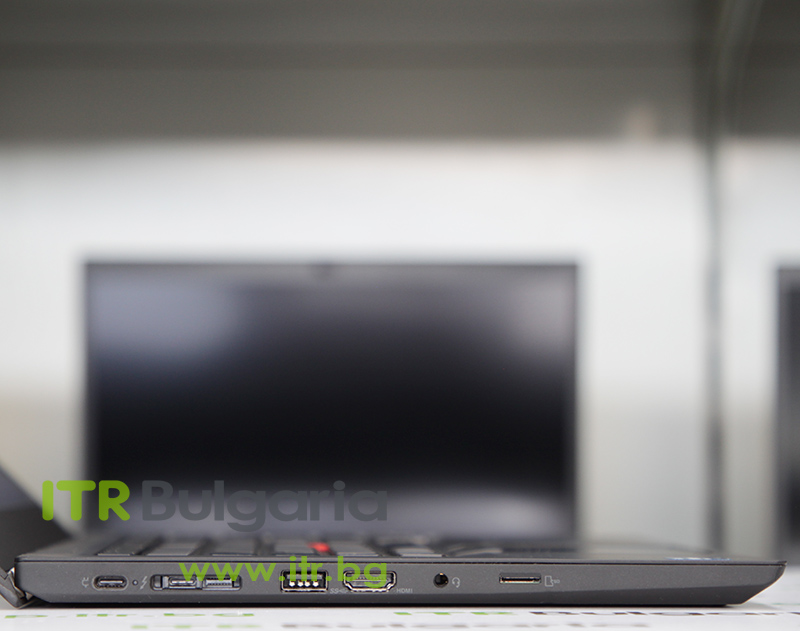
| USB: | USB 3.2 and USB Type-C/Thunderbolt |
| Additional info: | Fingerprint Reader Camera HDMI IPS |
| Grade: | Grade A |
| Battery condition: | OK |
| Warranty: | 12 months |
The T14 Gen 2 carries the full DNA of the ThinkPad T series — the keyboard with deep 1.8mm travel and a red TrackPoint, the quiet black construction, and a philosophy built around long corporate service life. As a refurbished business laptop from ITR Bulgaria, it is one of the most predictable purchases in the 14-inch mainstream class: a machine designed to last for years in the office or in the field, and to be serviced easily.
Why the ThinkPad T14 Gen 2 is a logical choice as a refurbished business laptop from one of the most respected corporate series
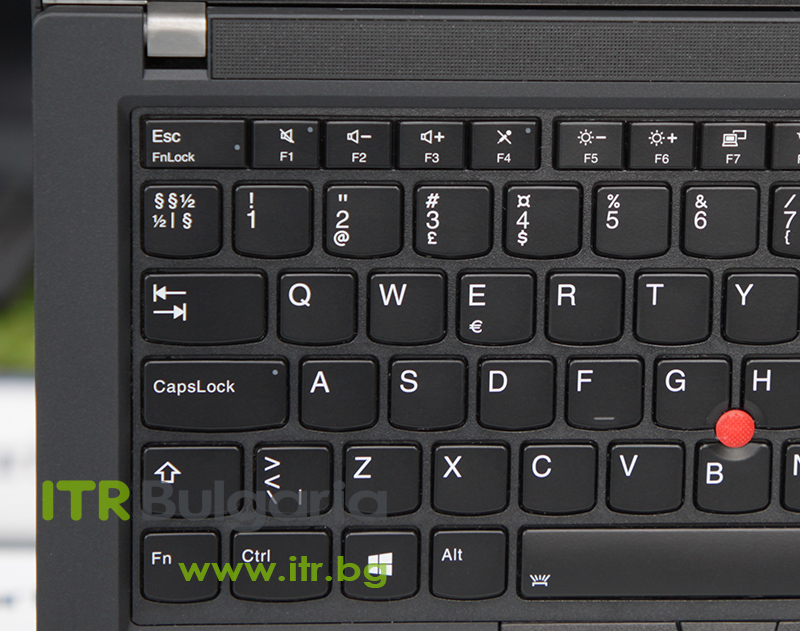
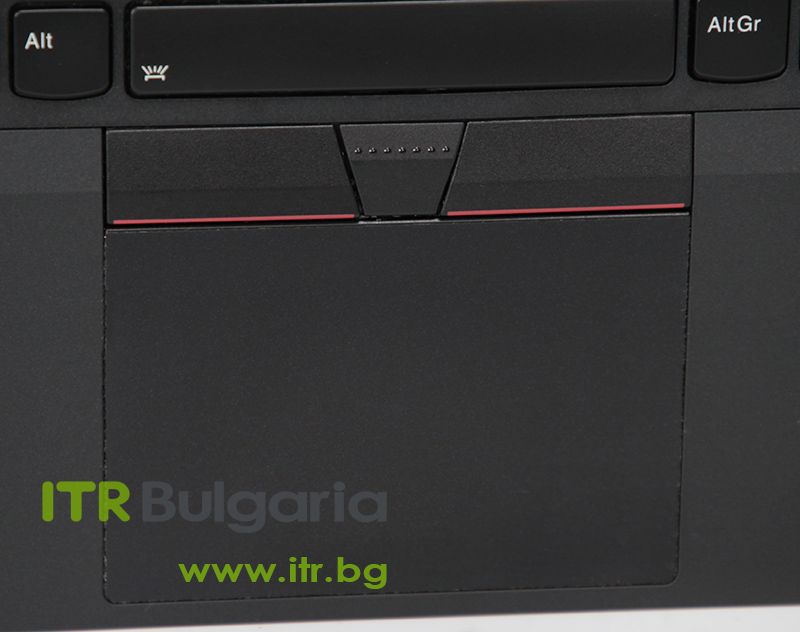
The T14 Gen 2 is among the last T generations to keep the deep 1.8mm key travel. From Gen 3 onwards Lenovo moved to 1.5mm — which is exactly why this model stays in demand with people who type all day.
The series passes 12 military test procedures for vibration, shock, temperature and humidity. This is the durability behind ThinkPad being a long-standing choice for work beyond the desk, not only at it.
8 or 16 GB soldered plus one accessible SO-DIMM slot (up to 48 GB total) — a rarity in the premium 14-inch class, where most rivals use fully soldered memory. A real reserve for teams that buy once and run for years.
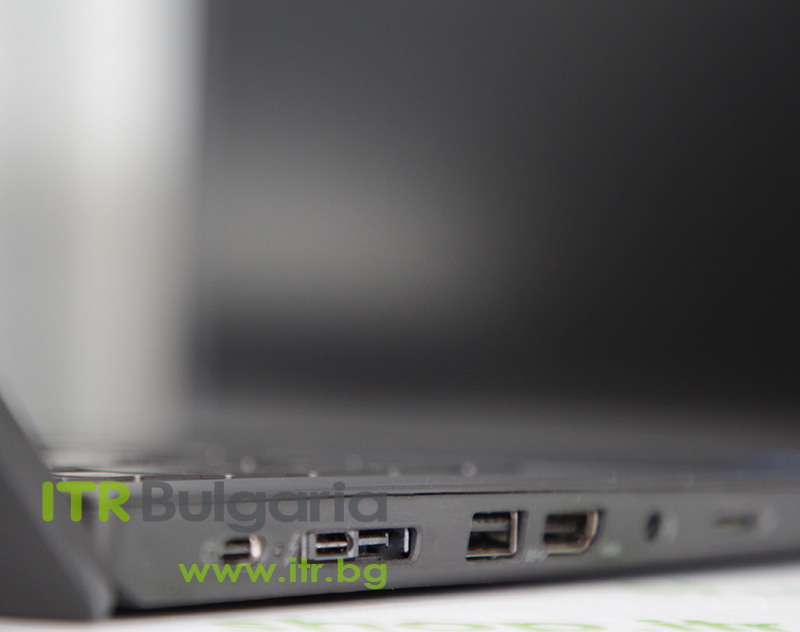
A full-size Ethernet port together with two Thunderbolt 4 ports — a combination rarely seen in the 14-inch class. Wired networking without a dongle where the client office still runs on cable, plus a modern docking ecosystem.
A 50Wh battery with Lenovo Rapid Charge — 80% in one hour with a 65W USB-C charger. Enough to top up between two meetings in different offices without carrying the charger everywhere.
As a used laptop from the ThinkPad T series, the T14 Gen 2 offers construction and a keyboard with proven longevity at a sensible price — a machine designed for several years of corporate life.
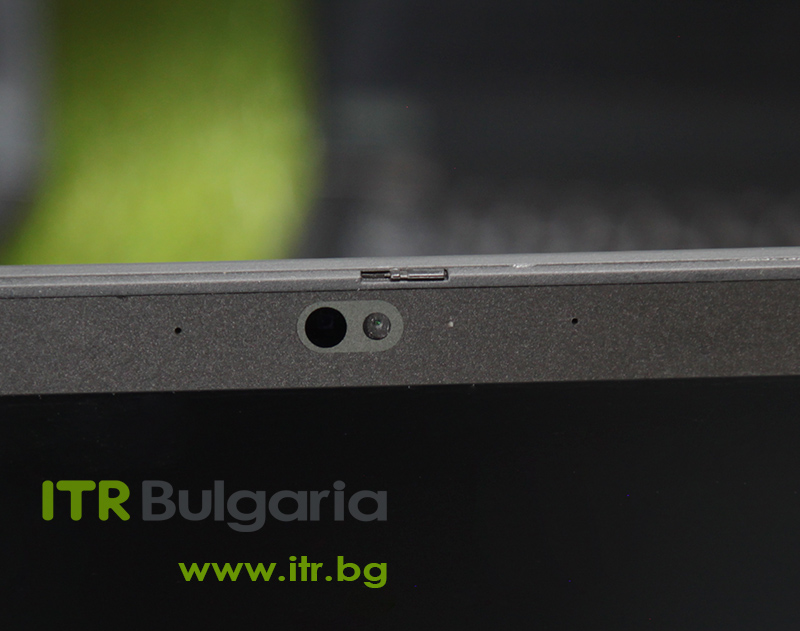
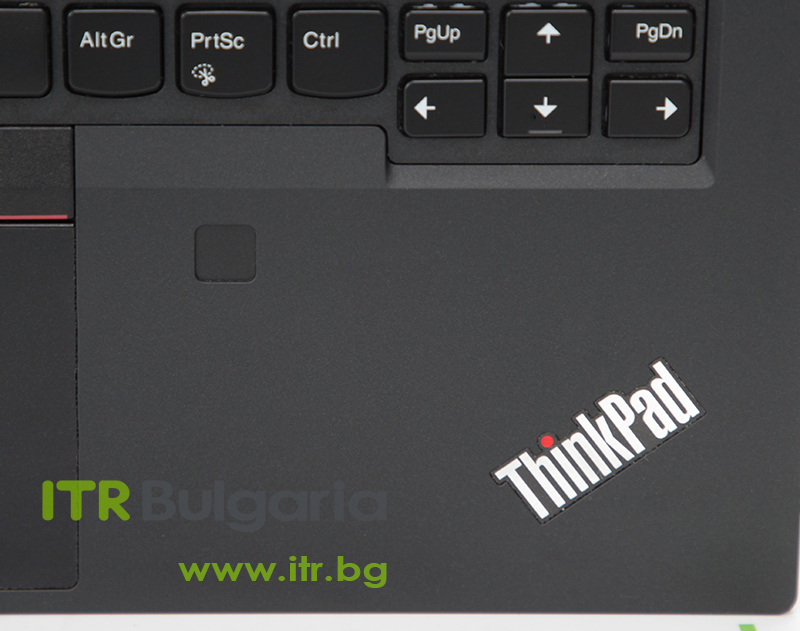
Enterprise security in the box: dTPM 2.0, optional fingerprint reader, optional IR camera for Windows Hello, and a physical ThinkShutter that closes the lens with a mechanical slider.
Intel Wi-Fi 6E AX210 on select configurations — a generation ahead of Wi-Fi 6. An optional 4G LTE or 5G module provides mobile internet for field work, independent of Wi-Fi.
The 11th Gen Tiger Lake platform brings integrated Iris Xe — a noticeable step up from the UHD graphics on Gen 1. Important: full performance requires dual-channel memory; on single-channel it drops to UHD level.
Lenovo Commercial Vantage gathers drivers, BIOS updates and system settings in one place. For an IT team maintaining dozens of identical machines, that\'s the difference between manual and centralised support.
ThinkPad is one of the few laptop brands with a genuinely loyal user base — loyalty that isn\'t built by advertising, but earned over a thirty-year history. It begins on 5 October 1992 with the IBM ThinkPad 700C, developed at IBM\'s Yamato lab in Japan and shaped by designer Richard Sapper around the idea of a Japanese bento lunchbox: a plain black box that reveals its character only once opened. From there come both the quiet matte construction and the red TrackPoint at the centre of the keyboard — a detail so recognisable that, for years, ThinkPads were the only laptops certified to operate aboard the International Space Station. When IBM sold its computer business to Lenovo in 2005, the line carried on without losing that character. The T series is the heart of the story: not the thinnest or lightest ThinkPad (that role belongs to the X1 Carbon), but the mainstream workhorse — the machine IT departments buy in volume because they know exactly what they\'re getting.
The ThinkPad T14 Gen 2 is special for a reason that only becomes clear in retrospect: it is one of the last T generations to retain the legendary 1.8mm key travel. From Gen 3 onwards Lenovo moved to the shallower 1.5mm, in line with the rest of its lines. For people who spend most of the day writing — lawyers, journalists, developers, analysts — this is not a nostalgic detail but a daily comfort. The deep travel and distinctive tactile response, together with the TrackPoint that lets you navigate without lifting your hands off the keys, are the concrete reason the T14 Gen 2 remains a sought-after model on the refurbished laptop market years after its release.
Under the lid, the Intel Core 11th Gen platform (Tiger Lake) provides the period-appropriate foundation: integrated Intel Iris Xe graphics (which, however, require dual-channel memory for full functionality — on single-channel they drop to UHD level), 2× Thunderbolt 4, and Wi-Fi 6E on select configurations. More interesting for the long-term buyer is the memory architecture: 8 or 16 GB soldered to the board plus one accessible SO-DIMM slot, which raises total memory to 48 GB — a genuine post-purchase upgrade, rare in the premium 14-inch class. The M.2 NVMe SSD is replaceable too, and the full-size RJ45 Ethernet port is the difference that sets the T14 apart from the Dell Latitude 7420 (no built-in RJ45) — wired networking without a dongle where it\'s still in use. A 50Wh battery with Rapid Charge (80% in an hour with a 65W USB-C charger) closes the picture.
On top of the platform, ThinkPad adds the standard business features that make the brand integrate easily into an existing IT environment: dTPM 2.0, an optional fingerprint reader, an optional IR camera for Windows Hello, a physical ThinkShutter for the lens, and the comprehensive ThinkShield platform. The webcam is 720p — and here we should be honest: the Dell Latitude 7420 from the same period offers 1080p and leads on this single point. The T14 Gen 2 makes up for it with better serviceability and the real SO-DIMM upgrade the Latitude doesn\'t offer.
The core trade-off is clear and honest: the T14 Gen 2 is not ultraportable. At around 1.47 kg and with a thicker chassis (17.9 mm), it is noticeably heavier than the Dell Latitude 7420 (~1.22 kg) and the HP EliteBook 840 G8 (~1.37 kg) in the same class. For a user who places minimum weight above all else, the Lenovo ThinkPad X1 Carbon Gen 9 (~1.13 kg) is the more logical choice — but it has soldered memory, with no SO-DIMM for upgrade. For anyone who prioritises the keyboard, serviceability and long life, the T14 Gen 2 is among the most balanced business-class laptops in the 14-inch class. As a refurbished business laptop from ITR Bulgaria it has one more practical advantage: the T series is among the most serviceable models in the industry, and ThinkPad is a recognised brand in corporate IT departments — which is why used laptops from this series go through technical audit and refurbishment with a predictable result.
Scenarios where the ThinkPad T14 Gen 2 makes the strongest case
A lawyer, journalist or analyst who spends six hours a day in long documents feels the 1.8mm travel on every paragraph. The TrackPoint lets you navigate the text without your hand leaving the keyboard — a small difference per hour, a tangible one over months.
When the same machine has to be maintained at scale for several years, what matters is standardised components, available parts and a chassis that opens predictably. The T series is a traditional choice precisely because opening it holds no surprises.
If you plan to start with 8 or 16 GB and add memory when the work demands it, the SO-DIMM slot (up to 48 GB total) and the replaceable M.2 NVMe SSD make the T14 Gen 2 a machine that grows with you, rather than one you replace outright.
A consultant or technician working on site values the MIL-STD-810G construction, the full RJ45 for wired networks on someone else\'s premises, and the optional 4G LTE/5G module — internet that doesn\'t depend on a stranger\'s Wi-Fi.
ThinkPad keyboard with 1.8mm travel
Deep 1.8mm travel, carefully tuned tactile feedback and the red TrackPoint for navigation without lifting your hands. One of the last T generations before the move to 1.5mm.
Intel 11th Gen + Iris Xe
Tiger Lake-UP3 platform with Core i5/i7 (incl. vPro options) and integrated Iris Xe graphics. Iris Xe requires dual-channel memory for full functionality; single-channel drops to UHD level.
MIL-STD-810G (12 tests)
The series passes 12 military test procedures for vibration, shock, temperature and humidity — durability that explains why ThinkPad is a traditional choice for field work.
2× Thunderbolt 4 + full RJ45
Two Thunderbolt 4 ports for a modern docking ecosystem, plus a full-size RJ45 Ethernet — rare in the 14-inch premium class. Complemented by HDMI 2.0 and 2× USB-A 3.2.
ThinkShield + ThinkShutter
dTPM 2.0 as standard, an optional fingerprint reader, an optional IR camera for Windows Hello, and a physical ThinkShutter that closes the lens with a mechanical slider.
SO-DIMM upgrade to 48 GB
8 or 16 GB soldered plus one SO-DIMM slot for up to 32 GB more — up to 48 GB total. The M.2 NVMe SSD (up to 2 TB) is replaceable too. A genuine post-purchase upgrade.
Wi-Fi 6E + optional WWAN
Intel Wi-Fi 6E AX210 on select configurations — a generation ahead of Wi-Fi 6. An optional 4G LTE or 5G module for mobile internet away from the office.
50Wh battery with Rapid Charge
A 50Wh battery with Lenovo Rapid Charge — 80% in one hour with a 65W USB-C charger. Up to ~10.7 hours on Lenovo\'s internal test (depending on configuration and use).
Buying a refurbished business-class laptop makes the most sense when the device has gone through a standardised internal refurbishment process and is delivered with a real warranty. That\'s how used laptops become refurbished laptops — a practical, predictable and professional alternative to new budget machines, or a far more sensible purchase than new premium equivalents.
The Lenovo ThinkPad T14 Gen 2 (Intel) is a refurbished business laptop from the ThinkPad T series — checked and prepared for long-term corporate use. Browse current stock or get in touch for assistance.
Lenovo\'s ThinkPad portfolio follows a clear ladder: the E series is entry business for small companies; the L series is mainstream business with full ThinkShield, more affordable than the T; the T series (T14, T15) is premium mainstream — the historical workhorse with the highest serviceability; and the X1 Carbon, X1 Yoga and X1 Nano are the ultra-premium flagships. The T14 Gen 2 sits right at the heart of that ladder: not the thinnest, but the machine IT departments buy in volume because they know it will last several years and is easy to repair.
Within the generation itself, the T14 Gen 2 has a 15-inch sibling — the T15 Gen 2 — and a thinner 14-inch variant, the T14s Gen 2. This Gen 2 specifically uses Intel\'s 11th generation (Tiger Lake), the successor to the Intel 10th Gen (Comet Lake) T14 Gen 1.
14-inch class (T14 Gen 2): the most balanced size for corporate use. Enough screen area for productive work at around 1.47 kg — still comfortable to carry.
15-inch class (Lenovo ThinkPad T15 Gen 2): more screen area for spreadsheet work and multi-window environments. Heavier, better suited to mostly stationary work.
Thinner 14-inch (Lenovo ThinkPad T14s Gen 2): magnesium chassis and lower weight, but with soldered memory and no SO-DIMM slot — mobility at the cost of upgrade potential.
Ultraportable flagship (Lenovo ThinkPad X1 Carbon Gen 9): a different, higher line — under 1.13 kg, carbon fiber. Trade-off: soldered memory, no SO-DIMM for upgrade.
Form factor: the T14 Gen 2 is a standard clamshell laptop without a 360-degree hinge. For touch and a convertible chassis, look at the ThinkPad X1 Yoga. The chassis comes with a polymer or aluminium top cover depending on configuration; aluminium variants typically do not support a WWAN module.
Within Lenovo:
Lenovo ThinkPad T14 Gen 1 (Intel) — the previous generation on Intel 10th Gen (Comet Lake). A more affordable refurbished option, but without Thunderbolt 4 and with the older UHD graphics. A logical choice on a tighter budget.
Lenovo ThinkPad T14s Gen 2 (Intel) — the thinner, lighter variant from the same generation. Magnesium chassis and lower weight, but with soldered memory and no SO-DIMM slot for upgrade. For users who place mobility above upgrade potential.
Lenovo ThinkPad X1 Carbon Gen 9 — the ultra-premium flagship. Under 1.13 kg, thinner, carbon fiber. Trade-off: a higher price as a refurbished laptop, fewer ports, and soldered memory with no SO-DIMM.
Cross-brand alternatives (14″, business class, Intel Gen 11):
HP EliteBook 840 G8 — the direct alternative from HP\'s premium business line. Lighter (~1.37 kg), a different ecosystem (HP Wolf Security), with an optional Sure View privacy panel. A logical choice for HP-oriented IT departments; the T14 wins on SO-DIMM upgrade and full RJ45.
Dell Latitude 7420 — the flagship Latitude 7000 series. Lighter (~1.22 kg), thinner, with a 1080p camera and Dell Optimizer. Trade-off: soldered memory on most configurations and no built-in RJ45 — exactly where the T14 leads.
Note: don\'t compare the ThinkPad T14 Gen 2 with the ThinkPad E14 or L14 — they belong to a different, lower business class (entry/mainstream) with a different target group.
With the ThinkPad T14 Gen 2, refurbishment by ITR Bulgaria has a particularly clear logic for two specific reasons. First — the T series is among the most serviceable models in the industry: standardised components, thorough hardware documentation, and a chassis designed for easy servicing. This makes the technical audit and refurbishment predictable.
Second — ThinkPad has been a recognised and trusted brand in corporate IT departments for decades. When a refurbished used laptop is a ThinkPad T14, it integrates naturally into existing corporate processes and standards. After the refurbishment process, the model is prepared for repeat business use with a real warranty and support from ITR Bulgaria — the difference between an unpredictable used laptop and a refurbished business laptop with a professional origin.
Is the Lenovo ThinkPad T14 Gen 2 a good choice as a used laptop?
Yes — and for a specific reason. The T series is designed for a long corporate lifecycle with a focus on serviceability and standardisation, which makes it particularly well suited to refurbishment. As a refurbished laptop from the premium mainstream business class, the T14 Gen 2 offers the ThinkPad keyboard with 1.8mm travel, MIL-STD-810G construction and full corporate features at a sensible price.
What\'s the difference between the ThinkPad T14 Gen 2 and the T14s Gen 2?
The T14 Gen 2 is the standard workhorse — a denser construction, around 1.47 kg, but with an accessible SO-DIMM slot for RAM upgrade (up to 48 GB). The T14s Gen 2 is the thinner variant — a magnesium chassis and lower weight, but with soldered memory and no upgrade option. The T14s is for people who prioritise mobility; the T14 is for those who want upgrade potential and longer use.
Why does the 1.8mm key travel matter on this generation specifically?
The T14 Gen 2 is one of the last T generations to keep the deep 1.8mm key travel. From Gen 3 onwards Lenovo moved to the shallower 1.5mm. For people who write all day — lawyers, journalists, developers — the deep travel and distinctive tactile response, together with the red TrackPoint for navigation without lifting your hands, are a daily comfort. It\'s also one of the reasons the model stays in demand on the refurbished market.
What configurations are common for the ThinkPad T14 Gen 2 (Intel)?
The model comes in a wide range: Intel Core i5 or i7 from the 11th generation (incl. vPro options), 8 or 16 GB soldered memory plus an optional SO-DIMM up to 32 GB more, an M.2 NVMe SSD from 256 GB to 2 TB. On specific units the following may be present: an IR camera for Windows Hello, a fingerprint reader, a WWAN/4G LTE or 5G module, Wi-Fi 6E (AX210), various display options (FHD, FHD touch, FHD PrivacyGuard, UHD) and an aluminium top cover. It\'s important to check the specific unit.